- REVIEWS
Displays Electronics 
Speakers Sources Other Gear Software - HOW TO
How To Buy How To Use Tech 101

Setting Up an AVR for Multichannel DSD Playback
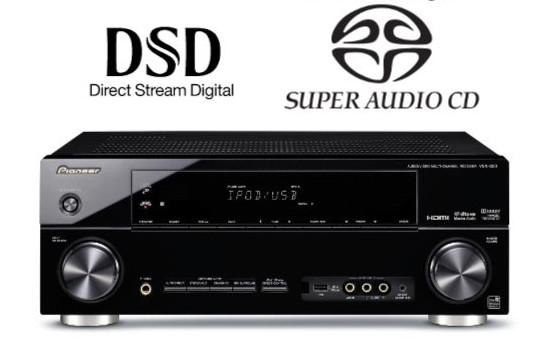
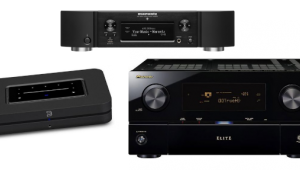
Q I own a Sony BDP-BX57 Blu-ray player that can play SACDs. I also own a Pioneer VSX-820-K AV receiver that can only decode two-channel DSD signals from SACDs via its HDMI inputs. To get the best performance when playing multichannel SACDs, should I set the HDMI output on the Blu-ray player to bitstream? Also, which of the following listening modes on the AVR should I choose: Auto Surround, Direct, or Pure Direct? —Chris Murphy / via e-mail
A Since your Pioneer receiver only handles two-channel DSD signals via HDMI, getting multichannel audio from SACDs means you’ll need to first set the DSD Output Mode in the Sony player’s Audio settings menu to Off . This will let the player convert the DSD signal on SACDs to multichannel PCM for output over HDMI—something your Pioneer VSX-820-K receiver supports.
As for the Pioneer receiver’s listening modes, Direct leaves the speaker settings in the Surround Setup menu (channel level, crossover, speaker distance, etc.), along with the phase control and Acoustic Calibration EQ settings, untouched; but it will shut off any additional processing. When Pure Direct is selected, on the other hand, all processing, including the speaker and EQ settings listed above, will be disabled. So, depending on your speaker configuration and room layout, Direct will likely be the best option.






































| Displays Electronics Speakers | |
Sources Other Gear Software | |
Top Picks of the Year Top Picks | |
Custom Install How To Buy How To Use | |
Tech 101
|
|
Latest News Features Blogs | |
Resources Subscriptions |
WHERE TECHNOLOGY BECOMES ENTERTAINMENT
 © 2026 Sound&Vision
AVTech Media Americas Inc., USA
All rights reserved